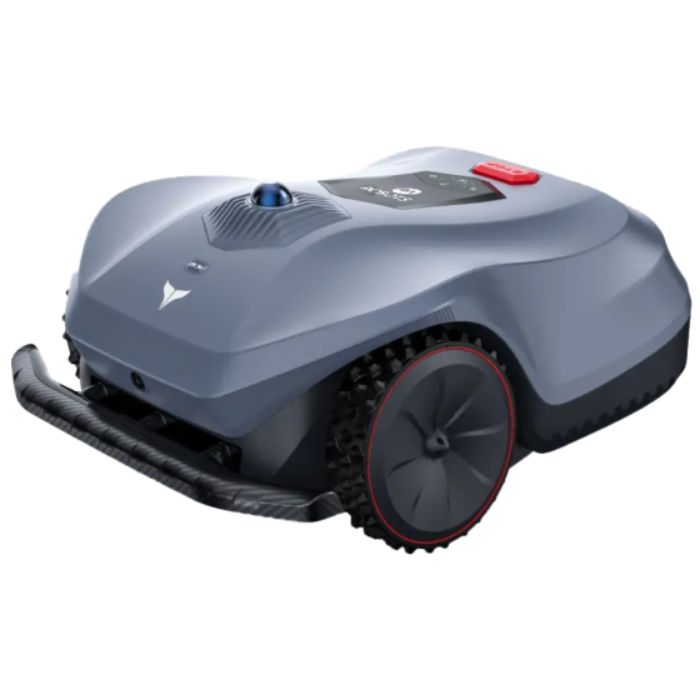
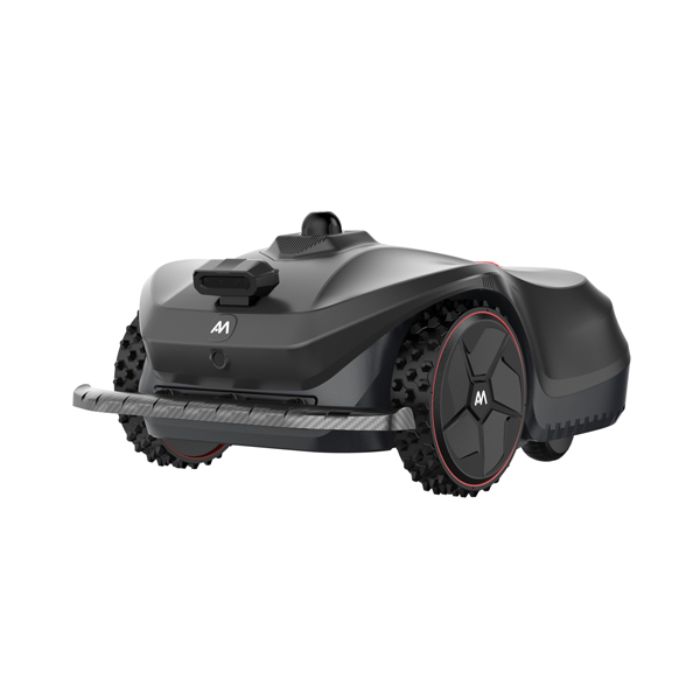
The Ultimate How-To Guide for AM Robots STORM Robotic Mowers
The AM Robots STORM range represents some of the most advanced wire-free robotic lawn mowers available today. With 3D mapping, intelligent navigation and flexible zone control, STORM is designed to mow autonomously with minimal input; but to get the very best performance, it’s important to understand how to set up your mowing areas, no-go zones, pathways and app controls correctly.
This complete guide walks you through every essential step, supported by the official how-to videos from AM Robots. Whether you're a first-time owner or looking to optimise your setup, this article gives you everything you need to get the most from your STORM mower.
1. Creating a Mowing Area
Your first step with STORM is teaching it where to mow. Because these robots rely on advanced 3D mapping rather than boundary wires, creating mowing areas is extremely flexible.
Key steps include:
- Driving or guiding the mower around the perimeter of each mowing zone
- Allowing the robot to scan structures, edges, paths and landmarks
- Saving the created area in the app and naming it for easy scheduling.
Once created, STORM will generate an internal 3D map and begin planning efficient routes. You can create multiple mowing areas if your property includes separate lawns or distinct garden sections.
2. Creating No-Go Zones
No-go zones tell STORM which spaces to avoid entirely. These zones allow you to protect delicate or unsuitable garden features, such as:
- Flower beds
- Children’s play areas
- Ponds and water features
- Vegetable patches
- Newly seeded areas
- Outdoor seating and dining spaces.
Using the app, simply mark the boundary of the space you want the mower to avoid. You can create unlimited no-go zones, and modify them anytime.
3. Creating a Passageway
Passageways connect different mowing areas or guide STORM through narrow or complex sections of your garden.
Why passageways matter:
- Ensures the mower moves efficiently between zones
- Prevents confusion in slim or winding paths
- Improves navigation around sheds, greenhouses or uneven landscaping.
The app walks you through creating straightforward or curved passageways, depending on your garden layout. This setup makes the mower’s movements more predictable and reduces unnecessary travel.
4. Creating a Recharge Path
Like most high-tech robotic mowers, STORM relies on a charging station. Setting up a recharge path ensures the robot finds the dock reliably every time.
What a recharge path does:
- Creates a clear, recognised route back to the docking station
- Helps the robot navigate around obstacles when returning
- Ensures consistent charging for optimal mowing schedules.
The recharge path is especially useful for complex gardens or areas where visual obstructions may temporarily interfere with line-of-sight navigation.
5. Customising App Settings
The STORM app includes a wide range of customisation options to tailor mowing behaviour to your needs.
You can customise:
- Mowing times and schedules
- Cutting height
- Multi-zone mowing preferences
- Weather-based behaviour
- Return-to-dock settings
- Frequency of maintenance reminders.
This section of the article helps users understand how to maximise convenience and efficiency while ensuring the mower fits smoothly into their daily routines.
6. Modifying Features in the App
Beyond simple customisation, the app offers deeper configuration options that allow advanced users to further optimise performance.
Examples include:
- Editing existing maps
- Refining area boundaries
- Adjusting navigation behaviour
- Updating firmware
- Adding new mowing zones or paths
- Linking multiple STORM mowers for large properties.
Once your mower is fully configured, the app becomes your control centre for:
- Checking mower status
- Monitoring battery and coverage
- Viewing live maps
- Pausing or resuming mowing
- Accessing maintenance tools
- Getting alerts or updates.
For most users, this is where the STORM system becomes truly effortless. The mower handles the work while the app gives you visibility and control when needed.
With its wire-free installation, 3D mapping, intelligent zone creation and powerful app controls, the AM Robots STORM series is engineered for modern, autonomous lawn care. This how-to guide, along with the official videos, gives homeowners everything they need to get the best possible performance from their mower; from simple area creation to advanced mapping and app optimisation.